
Introduction
HP ZGX Nano G1n AI Station を購入し、XRDP をインストールすることでリモートから管理できるようにしたが、ロック画面を解除できないことに気づいた。
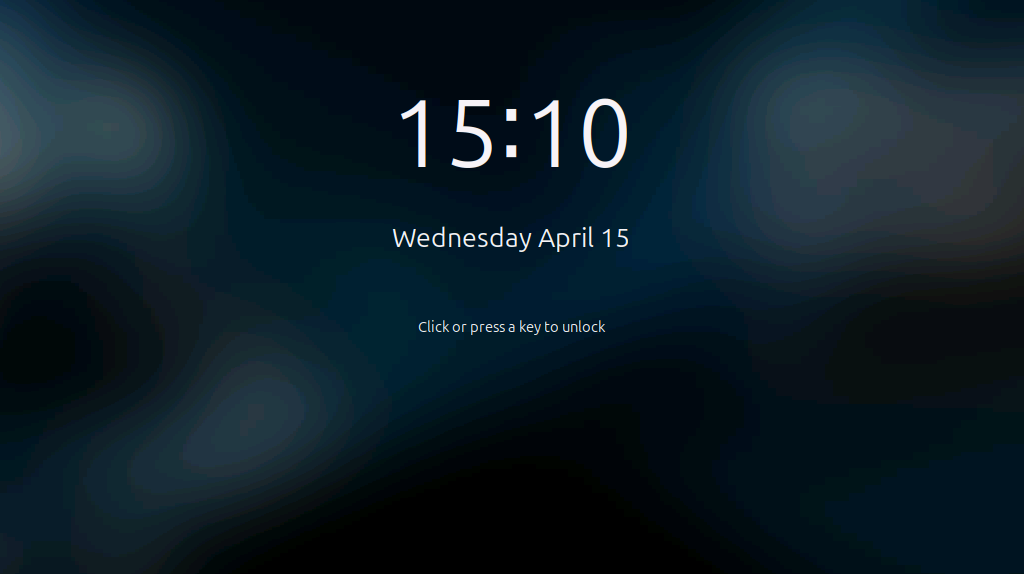
クリックまたはキーを押下すると…
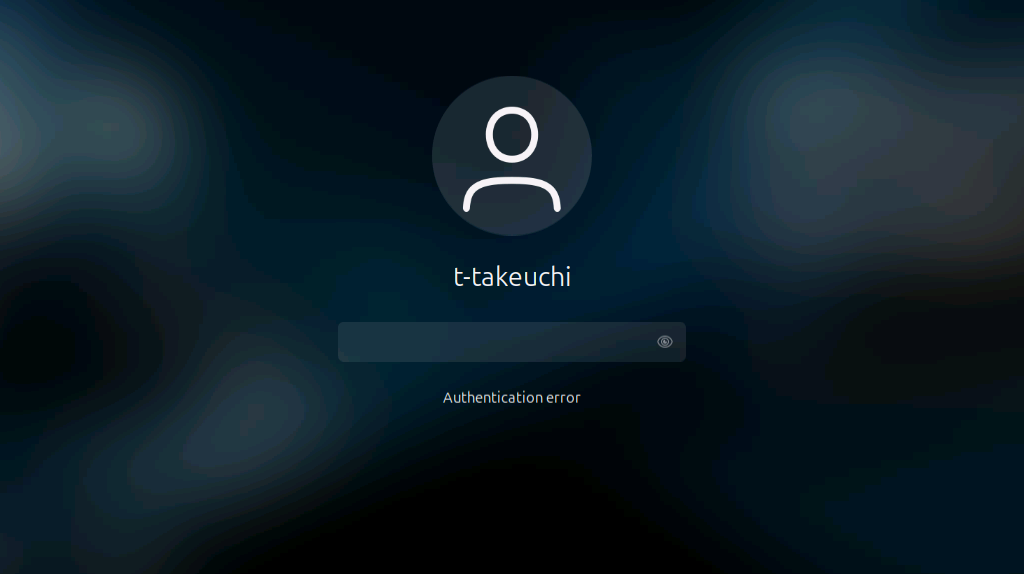
すぐに Authentication error と表示され、パスワードを入力することもできない。
NVIDIA がカスタムした Ubuntu における問題なのかわからないが…
How to resolve?
2021 年には報告されていた事象の模様。
https://github.com/neutrinolabs/xrdp/issues/1795#issuecomment-859357531 にて解決策が提示されている。
Also, I found another problem: I’ve to logout the connection when connecting to the xrdp server if I set the fork=true in /etc/xrdp/xrdp.ini, or, I canot login the xrdp server anymore.
ということで、/etc/xrdp/xrdp.ini を開き、下記のように変更する。
1 | + fork=false |
設定後、
1 | $ sudo systemctl daemon-reload |
でデーモンを再起動したが、ログインが出来なくなったので、マシンを再起動したら、ログインできるようになり、ロック問題も解決できた。